The 35-Watt Roommate (Part 3): Middle-earth and the Digital Infarction
- 1.The 35-Watt Roommate (Part 1): From Memory Hunger to Mini Powerhouse
- 2.The 35-Watt Roommate (Part 2): The Cloud in a Cabinet
- 3.The 35-Watt Roommate (Part 3): Middle-earth and the Digital Infarction
- 4.The 35-Watt Roommate (Part 4): Docker Cleanup and Surgical Data Recovery
- 5.The 35-Watt Roommate (Part 5): Monitoring, or 'Why is the internet constantly asking for my .php files?'
- 6.The 35-Watt Roommate (Part 6): Ads? Never Heard of Them.
- 7.The 35-Watt Roommate (Part 7): Goodbye Fritz!Box, Hello Ubiquiti
- 8.The 35-Watt Roommate (Part 8): Umami Analytics, or How a Password with Special Characters Broke Everything
It was supposed to be a relaxed evening. I had finally convinced my girlfriend to watch the Lord of the Rings Extended Edition with me. The mood was good, the elves were marching into Helm’s Deep. But right around 10 PM, everything went dark.
The entire LAN was dead. No streaming on the TV and no internet on the PC. The strange thing was that the Wi-Fi on my Fritzbox 7690 was still working perfectly. Only everything connected via cable was completely knocked out.
The suspect in the server closet
Since I had just recently put the Lenovo M920q into service, it was naturally my prime suspect. My first assumption was a misconfigured Docker container. I thought about problems with macvlan or a container in Network Host Mode that might be causing a loop.
I disabled a suspicious container and had two days of peace. I thought the problem was solved. But then it happened again: right in the middle of the movie, the LAN was gone. Only when I pulled the network cable from the Lenovo did the entire network calm down immediately.
Hunting through the kernel logs
I SSHed into the Proxmox host and searched through the logs:
dmesg -T | grep -i e1000eThere I found error messages appearing every second:
e1000e 0000:00:1f.6 nic0: Detected Hardware Unit Hang
TDH                  <52>
TDT                  <73>
next_to_use          <73>
next_to_clean        <52>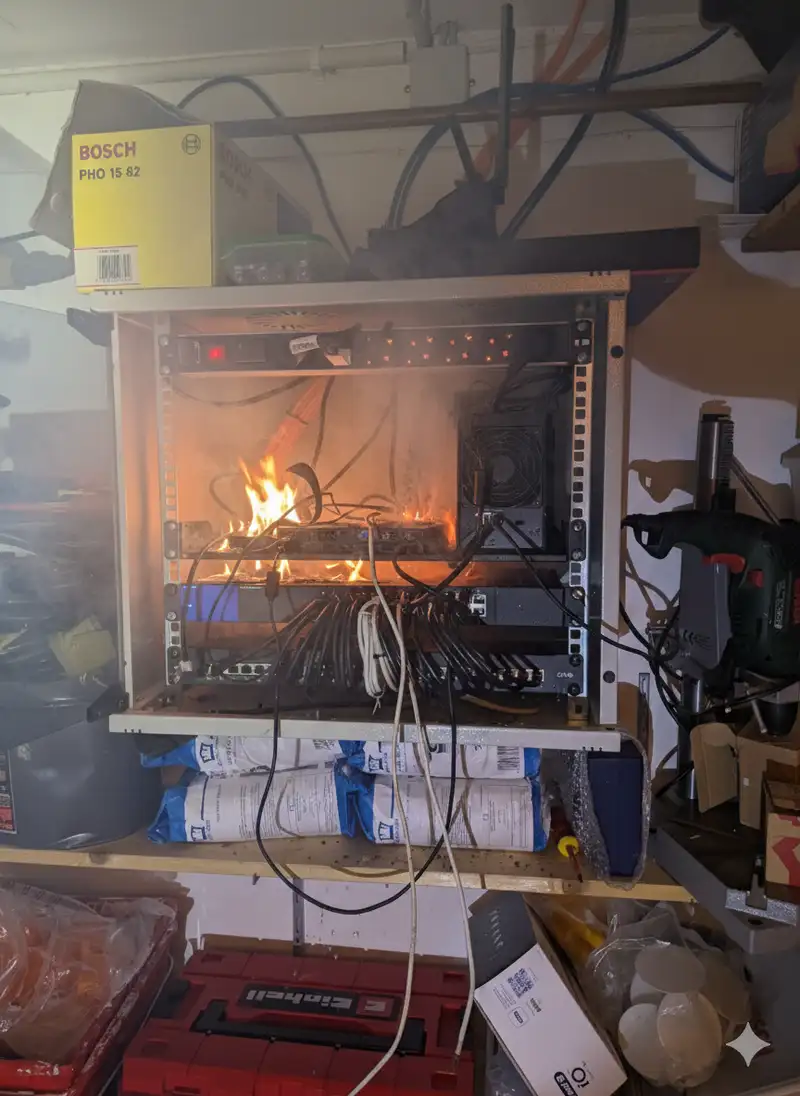
Technically this is a problem with the network card’s ring buffers. Think of it like a conveyor belt: the system puts packets on the back (TDT, Transmit Descriptor Tail) and the card sends them off the front (TDH, Transmit Descriptor Head). In my case the logs showed a head of 52 and a tail of 73.
So the system is queueing packets, but the hardware isn’t processing them on the front end. The card is frozen internally. Because the server is connected to the LAN via a bridge, this hang clogs up the entire Fritzbox switch port and takes down the rest of the wired network with it.
Why does this happen?
The culprit is a feature called EEE (Energy Efficient Ethernet), also known as IEEE 802.3az. The Intel i219-LM card tries to save power when there’s little activity, but combined with virtualization under Proxmox it sometimes doesn’t wake up properly. That leads to timing problems and ends in a Hardware Unit Hang.
The fix
Three steps got the Lenovo stable again.
1. Adjust driver options
In /etc/modprobe.d/e1000e.conf I added the following line:
options e1000e InterruptThrottleRate=0,0,0 EEE=0This disables Energy Efficient Ethernet and interrupt throttling at the driver level.
2. Disable offloading
Offloading is where the card takes work off the CPU (TSO, GSO, GRO). That sounds good in theory but often causes problems:
ethtool -K nic0 tso off gso off gro off3. Create a systemd service
To make these settings persist after every reboot, I created a systemd service at /etc/systemd/system/nic-stable.service:
[Unit]
Description=Disable NIC offloading and EEE for stability
After=network-online.target
Wants=network-online.target

[Service]
Type=oneshot
ExecStart=/usr/sbin/ethtool -K nic0 tso off gso off gro off
ExecStart=/usr/sbin/ethtool -s nic0 eee off
RemainAfterExit=yes

[Install]
WantedBy=multi-user.target
Then activated it:
systemctl daemon-reload
systemctl enable nic-stable.service
systemctl start nic-stable.service
And an initramfs update to load the modprobe config:
update-initramfs -uHow it turned out
Neither Proxmox nor the Fritzbox had a bug. The network card lost the thread while trying to save power. The Fritzbox never sees any of it because the problem happens at Layer 2: the card hangs before any IP packets can even be sent.
Since these changes the system has run without a single dropout, and we finally finished Lord of the Rings without interruption. If your LAN ever goes down for no apparent reason, look at your server’s kernel logs:
dmesg -T | tail -100