HTML to Markdown in the browser
I like small tools that solve exactly one problem. This one started because I needed clean Markdown from existing documentation. The workflow I had in mind was simple: mirror a docs site with wget, drop the folder into a converter and get structured Markdown for a RAG pipeline. No signup, no API keys and no internal company documents on someone else’s server, because with client data that is not an option.
Every tool I tried had a catch. Almost all of them upload your files, which rules out internal docs and anything under NDA. Normal converters keep the navbars, cookie banners and sidebars, and that noise burns LLM tokens for zero benefit. And clicking through 500 HTML files one by one is not a workflow when documentation lives in directory trees.
So I built my own converter and ran it as html-to-markdown-ai.com. That site is closing, and the converter now lives on this blog as HTML to Markdown.
What it does
You drop HTML files, PDFs, Word documents, slides or spreadsheets onto the page, or whole folders and ZIP archives. The converter strips navigation, scripts and boilerplate and keeps headings, lists, links and tables as GitHub-Flavored Markdown. Every document comes out as its own Markdown file, ready for ChatGPT, Claude or a RAG pipeline.
The difference shows in the answers. I had a migration project with 200 pages of Confluence HTML exports, full of Confluence-specific markup, empty nested divs and inline styles on every paragraph. Raw, they were useless for an LLM. After I batch-converted everything to Markdown locally, the answers got better right away. The model could reference specific sections, follow the document hierarchy and stopped hallucinating content that had been hidden under three layers of wrapper divs.
Supported formats
| Format | File types |
|---|---|
| HTML | .html, .htm and scrapes without a file extension |
| Word | .doc, .docx, .docm |
| PowerPoint | .ppt, .pptx, .pptm, .pps, .ppsx, .ppsm, .pot |
| Excel | .xls, .xlsx, .xlsm, .xlsb |
| OpenDocument | .odt, .ods, .odp |
| PDFs with a text layer, scanned pages via OCR | |
| Other | .rtf, .epub, .csv |
Nothing leaves your browser
The whole conversion runs in your browser via WebAssembly. Once the page has loaded, converting files makes no network requests, so nothing gets uploaded and there is no telemetry. The one exception is OCR, which downloads its model files the first time it is needed. Your PDF still stays on your machine. You don’t have to take my word for it. Open the network tab in your browser’s developer tools and watch.
Two engines do the work. HTML goes through a converter I wrote in Rust, which compiles to 52 KB of WebAssembly. Everything else goes through anydoc by Firecrawl, which I build from source with a few local patches. Its WebAssembly file is about 5 MB, so it only loads when you drop in a file that isn’t HTML.
From 7 MB to 52 KB
The HTML converter went through four versions before it got that small. Every visitor downloads the WebAssembly binary on first use, so its size decides how quickly the page becomes usable.
The first version was standard Go with Johannes Kaufmann’s html-to-markdown library and golang.org/x/net/html for parsing. Go’s WebAssembly output ships the entire Go runtime: the goroutine scheduler, the garbage collector and the full reflect package, which encoding/json pulled in as a transitive dependency. That came to about 7 MB.
Compiling the same code with TinyGo and -no-debug brought it down to about 936 KB after wasm-opt. TinyGo compiles through LLVM, has a simpler runtime and removes dead code aggressively. Its limited reflect support caused some friction with the libraries, though.
Next I rewrote the pipeline in Rust, with scraper for parsing and htmd for the Markdown output. scraper sits on top of html5ever and supports CSS selectors. That build was also 936 KB. html5ever is Servo’s browser-grade HTML parser, and it pulls in markup5ever, tendril, phf, string_cache and about 124 crates in total.
Then I looked at what the pipeline does. It skips noise tags such as script, nav and footer, finds the main content and maps HTML tags to Markdown syntax. None of that needs a DOM tree. A single linear pass over the input can do all three, without allocating a tree, a selector engine or string interning.
The current converter has no dependency except wasm-bindgen. It splits the input on < and >, keeps a noise depth counter that goes up on <nav> and down on </nav>, and skips all content while the counter is above zero. It takes the content from <main>, <article> or <body> and writes Markdown directly, without an intermediate representation. With this release profile it compiles to 52 KB:
[profile.release]
opt-level = 'z'
lto = true
codegen-units = 1
strip = true
panic = "abort"
panic = "abort" alone saves about 10 to 15 KB, because the unwinding machinery goes away. I switched wasm-opt off. Newer Rust versions emit bulk memory instructions like memory.copy that older wasm-opt versions can’t handle, and with LTO, LLVM already does most of what wasm-opt would.
| Build | Size | Dependencies | Parsing |
|---|---|---|---|
| Go | ~7 MB | html-to-markdown, x/net/html | DOM tree |
| TinyGo | ~936 KB | html-to-markdown, x/net/html | DOM tree |
| Rust with scraper and htmd | 936 KB | 124 crates | DOM tree and CSS selectors |
| Rust with a custom parser | 52 KB | wasm-bindgen | single-pass state machine |
That is 99.3 percent smaller than the Go build.
The custom parser is less capable than html5ever. It has no error recovery, so badly broken markup can come out garbled. It has no CSS selectors. It assumes UTF-8 and falls back to String::from_utf8_lossy. Instead of scoring every <div> by text density, it grabs <main> or <article>. For documentation and CMS pages, which mostly use semantic HTML, I can live with that.
Large Excel files
Very large worksheets used to fail with resource limit exceeded (max_xml_nodes), because the document converter has a safety limit on how much XML it processes in one piece. Since version 1.0.27 (September 2026) a splitter cuts an oversized sheet into chunks at row boundaries, so no row is ever split. It converts the chunks one after another and joins them back into one table per sheet. Workbooks with several sheets keep one heading and one table per sheet.
Files that already worked take the same path as before. The splitter only runs when a file would otherwise fail, and large files take longer because the chunks are converted in sequence.
OCR for scanned PDFs
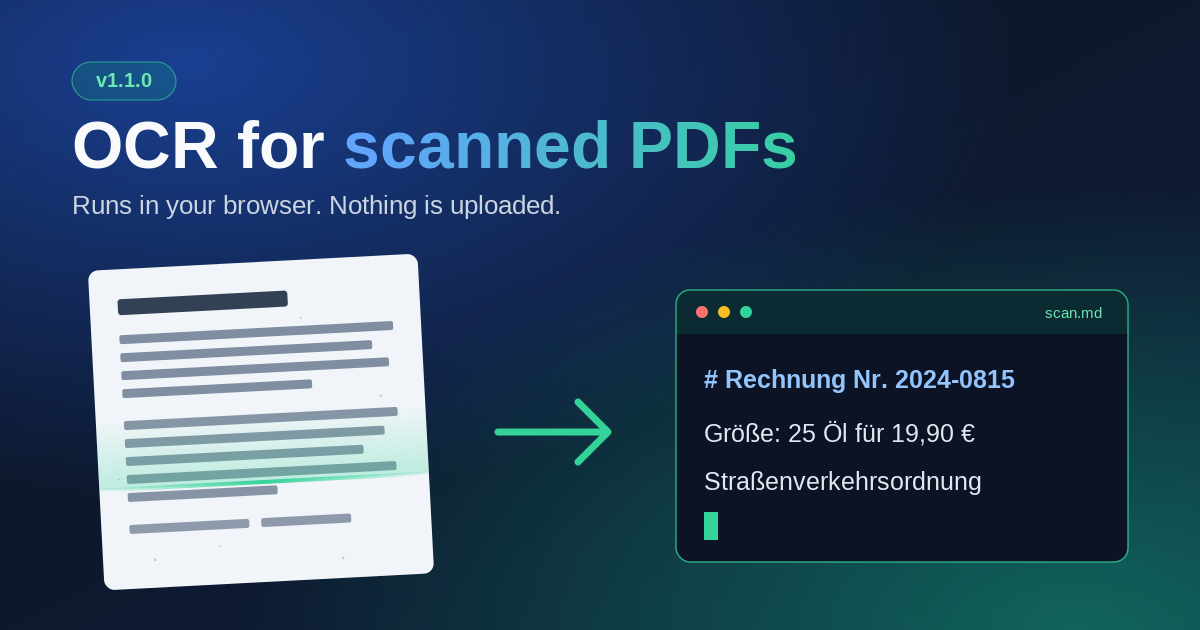
Pages that are only an image used to come back as a “needs OCR” placeholder. Since version 1.1.0 the converter reads them with OCR before it shows the result. It renders each scanned page in your browser with PDF.js, reads the text with PaddleOCR and puts the recognized text where the placeholder was. Pages are read one after another, and the progress bar shows which one is in progress.
Pages that already have a text layer are left alone. If OCR finds no text on a page, the placeholder stays, so a gap never looks like a finished page. The warning above the result lists which pages OCR read, because that text can contain errors.
The models are PaddleOCR PP-OCRv4 for finding text and PP-OCRv5 Latin for reading it, both under the Apache 2.0 license, and ONNX Runtime Web runs them. I first tried the default PaddleOCR model, but its dictionary has no ö, ß, Ä, Ö or €, which rules it out for German documents. The Latin model has all of them. On my German test page it got every line right except “Öl”, which came out as “Ol”. Expect a few misreads like that and check anything that matters.
The Latin model covers Latin-script languages, including German, English, French, Spanish, Italian, Portuguese and Dutch. Chinese, Japanese, Arabic, Greek and Cyrillic scripts aren’t supported yet. OCR reads a page line by line from top to bottom, so multi-column layouts can interleave and tables come out as plain text. It works for PDFs only.
The first scanned page triggers a download of about 26 MB of model and runtime files from the same server as the tool. PDFs with a text layer never load them, and OCR contacts no other server.
The converter is at /tools/html-to-markdown/.