astro-gallery: six image gallery components for Astro
Every time I write a post with photos in it, I need a gallery. The dog post needed one. The paving post needed three. I kept copying the same Astro component from post to post, tweaking it slightly each time, and the copies slowly drifted apart.
So I did the sensible thing and turned it into a package. It is called astro-gallery, it is on npm, and this blog now runs on it.
What astro-gallery is
astro-gallery is a set of six gallery components for Astro. You point a component at a folder in src/, drop your photos in, and it handles the rest: image optimisation through astro:assets, responsive srcset, a lightbox, EXIF reading at build time, and structured data. No client framework, no config file, one integration.
The six components:
| Component | What it does |
|---|---|
JustifiedGallery | Aspect-ratio-aware rows that fill the width edge to edge. Nothing gets cropped to a grid cell. |
ImageGallery | A uniform responsive grid. Click a thumbnail, get a lightbox with arrow-key navigation. |
ImageTimeline | Reads each photo’s EXIF capture date, groups by day, lays the days out on a timeline. Horizontal rail or vertical spine. |
MapGallery | Reads GPS EXIF and drops a photo marker per location on a Leaflet map. Ships a consent gate so no tile request happens before the visitor agrees. |
EditorialGallery | The justified layout with a two-pane fullscreen reader: the photo on the left, its title, caption and EXIF facts on the right. |
SlideshowGallery | One photo at a time on a sliding track, with a glass caption card and optional autoplay. |
The photos in this post are real. A hiking trip in the Harz, a few days on Rügen, and some odds and ends from around Hamburg. All of them live in one folder, src/assets/images/demo/, and every example below reads from that same folder.
Setup
Install the package and add the integration.
npm install astro-gallery// astro.config.mjs
import { defineConfig } from 'astro/config';
import gallery from 'astro-gallery';
export default defineConfig({
integrations: [
gallery({
locale: 'en-GB',
// pick a basemap for MapGallery. 'osm' is keyless.
map: { basemap: 'osm' },
}),
],
});The integration exposes its resolved config to the components through a virtual module. The components will not render without it, so this step is not optional.
Then import a component in any .astro or .mdx file and give it a folder:
---
import JustifiedGallery from 'astro-gallery/components/JustifiedGallery.astro';
---
<JustifiedGallery folderPath="demo" album="Trips 2025 and 2026" />
JustifiedGallery
This is the one I reach for first. Rows are justified to the container width using each photo’s aspect ratio, so a landscape shot takes more horizontal space than a portrait, and nothing is cropped to fit a box. It is the layout you know from Flickr, Unsplash and the Lightroom web galleries.
It is built for Core Web Vitals. Every image carries its intrinsic width and height so there is zero layout shift, offscreen rows use content-visibility to skip rendering work, and the first couple of images load eagerly with fetchpriority="high". The rest lazy load. There is a blur-up skeleton while each image decodes.
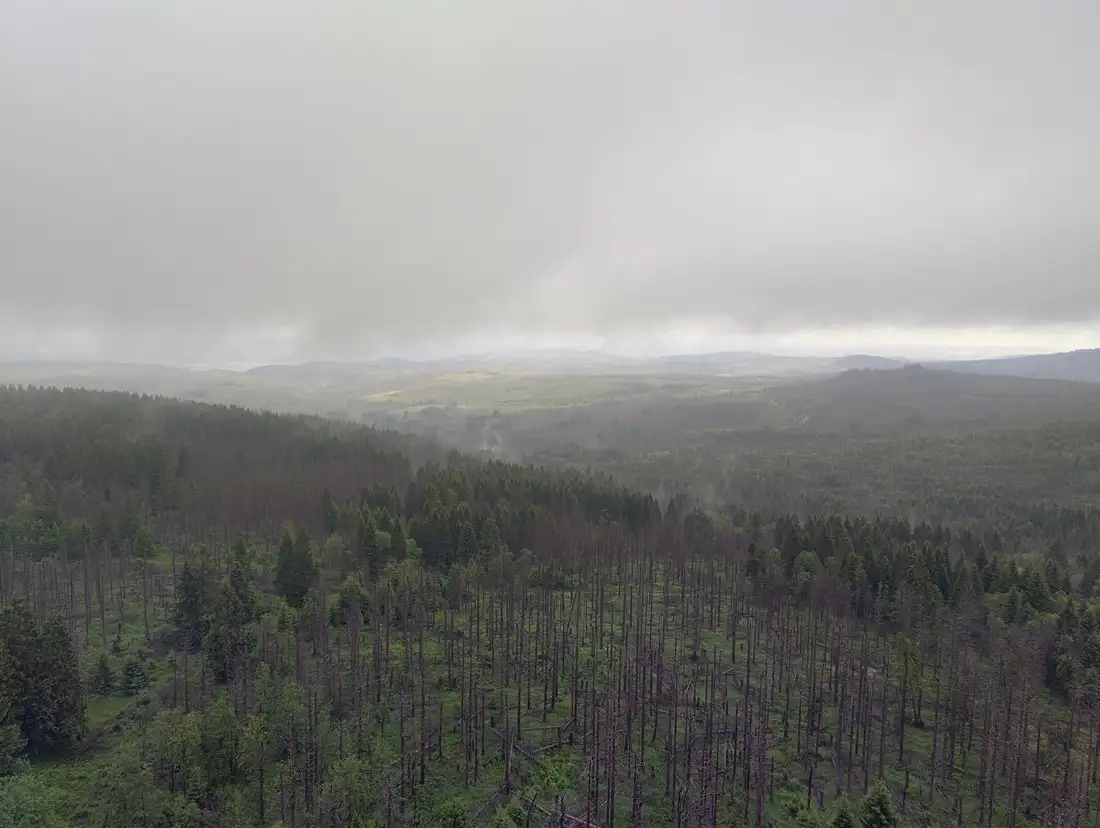
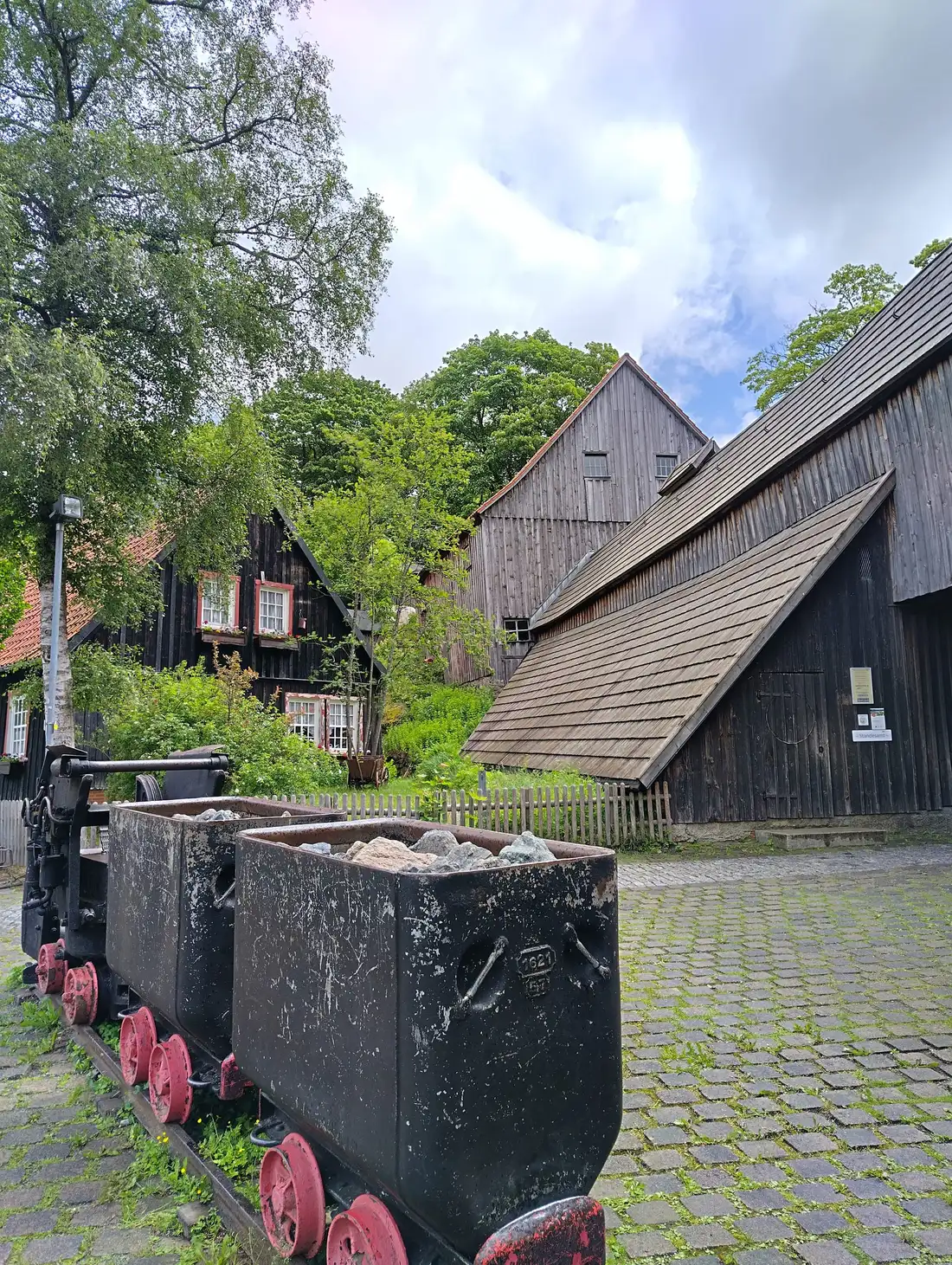
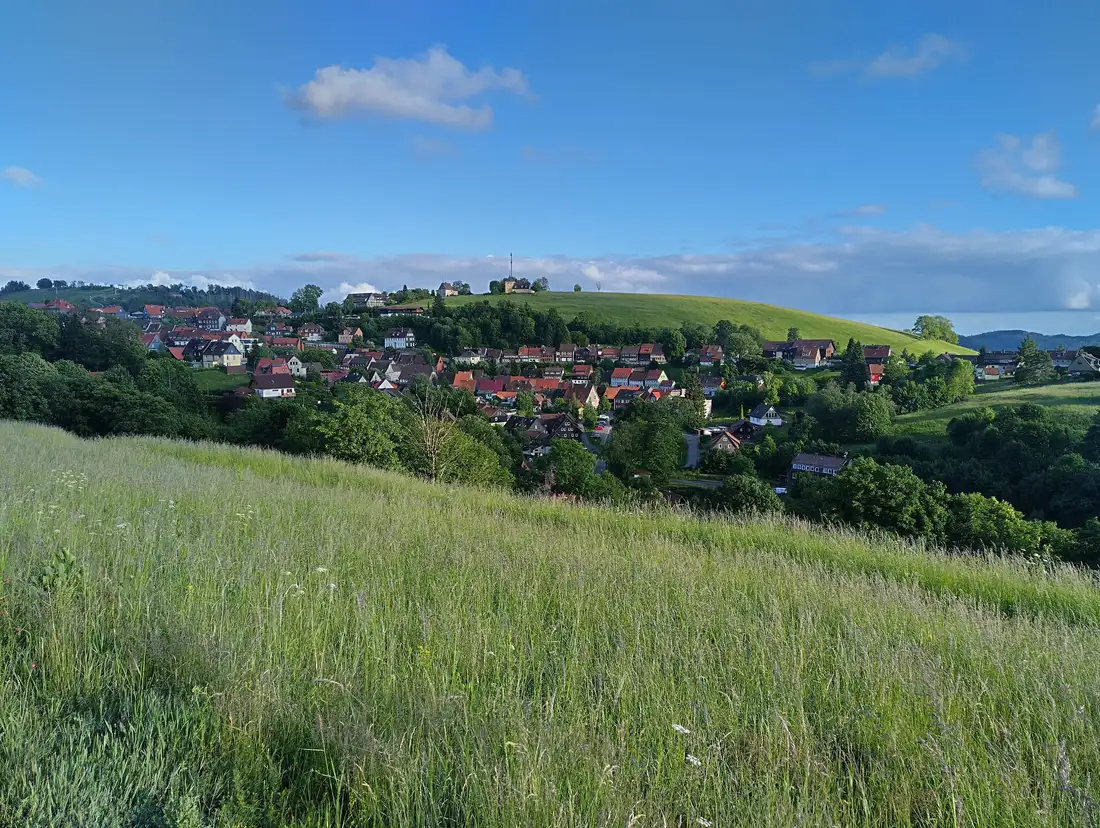
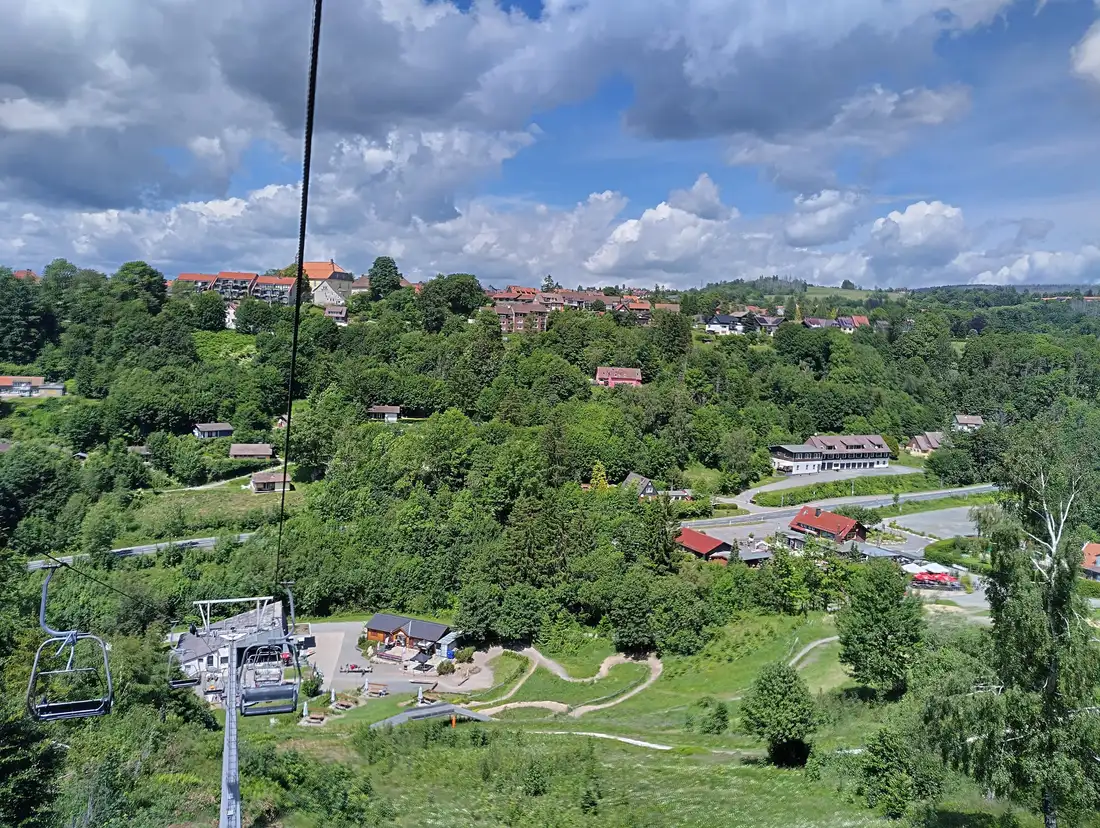
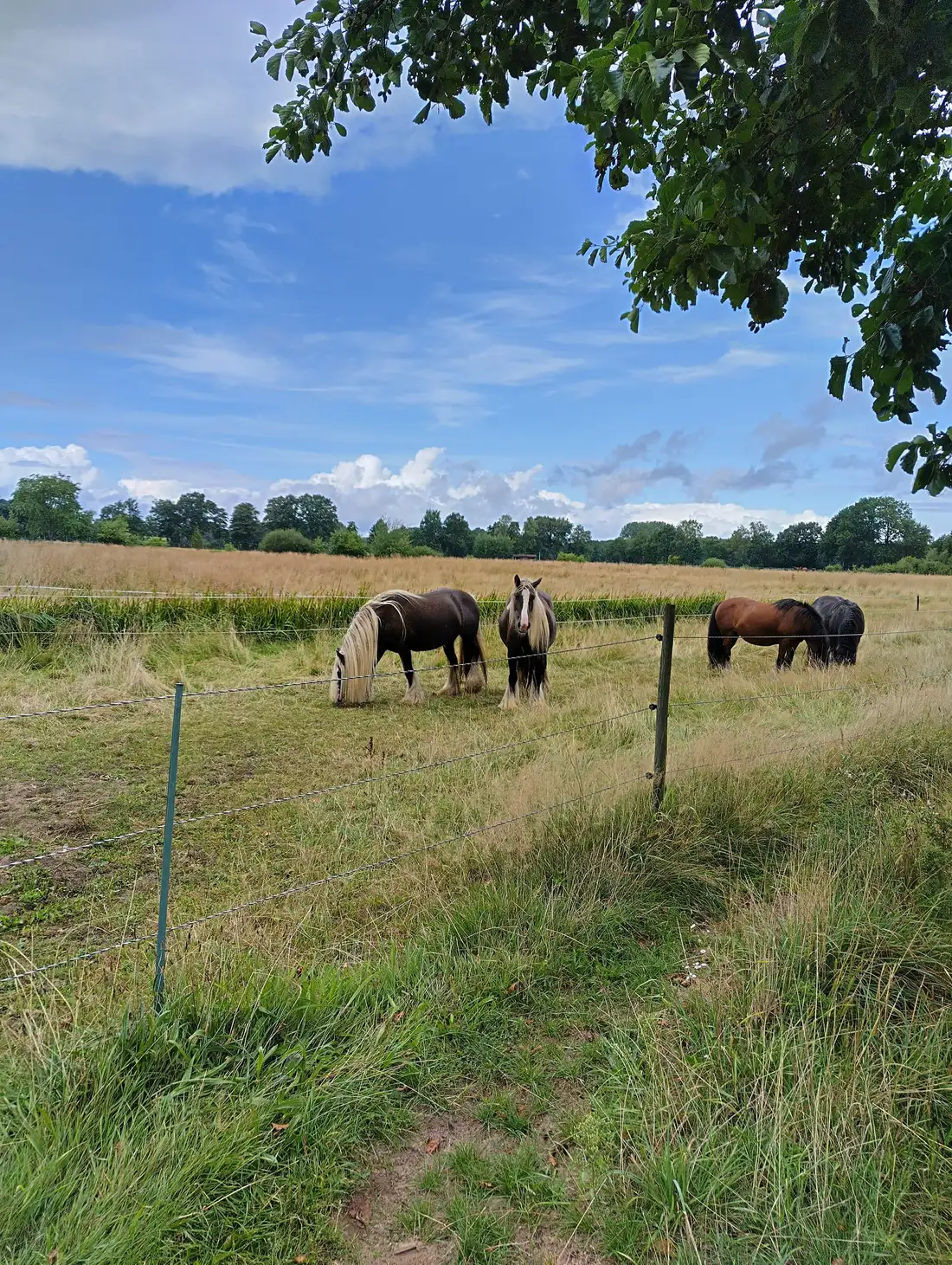


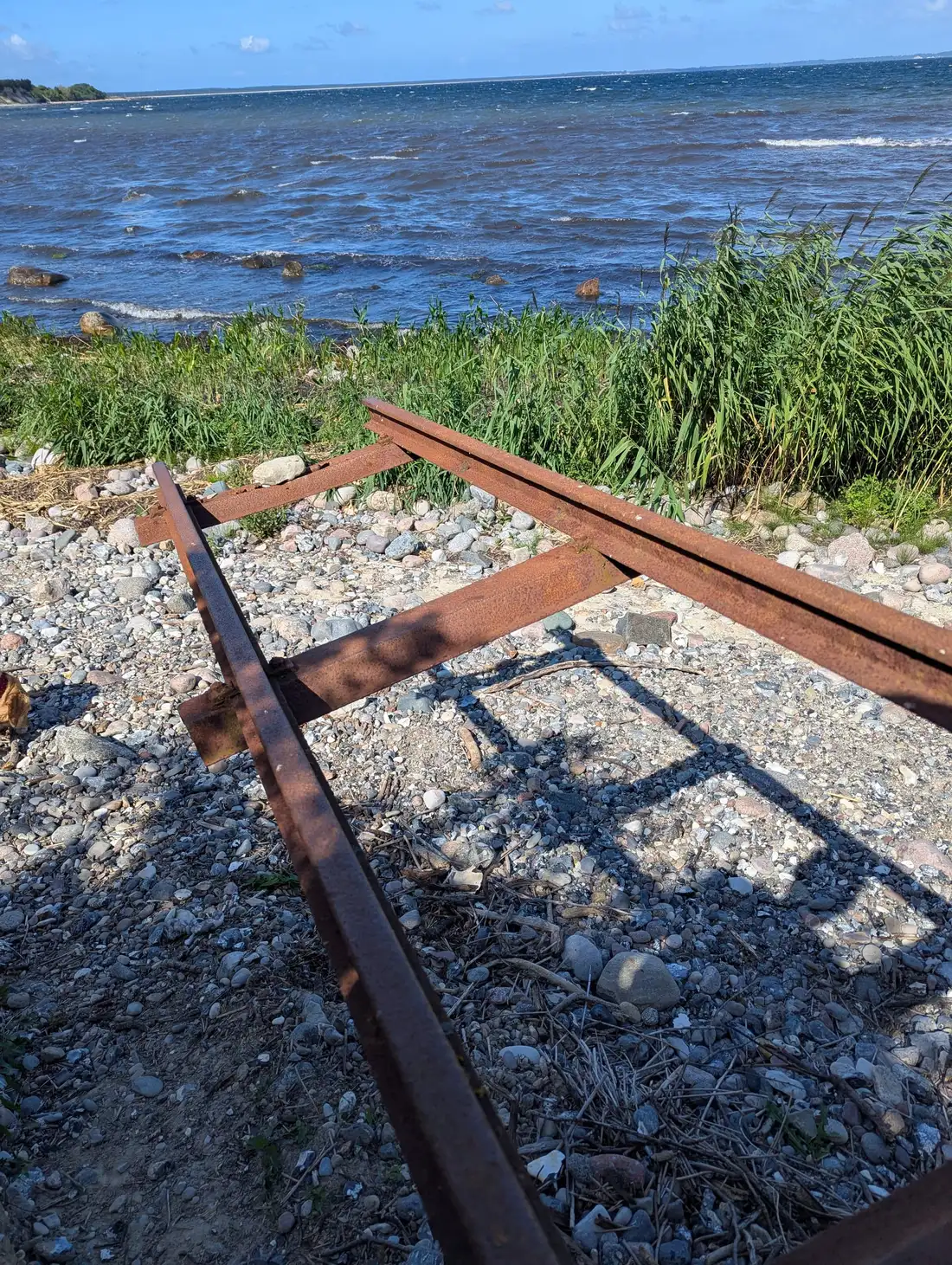

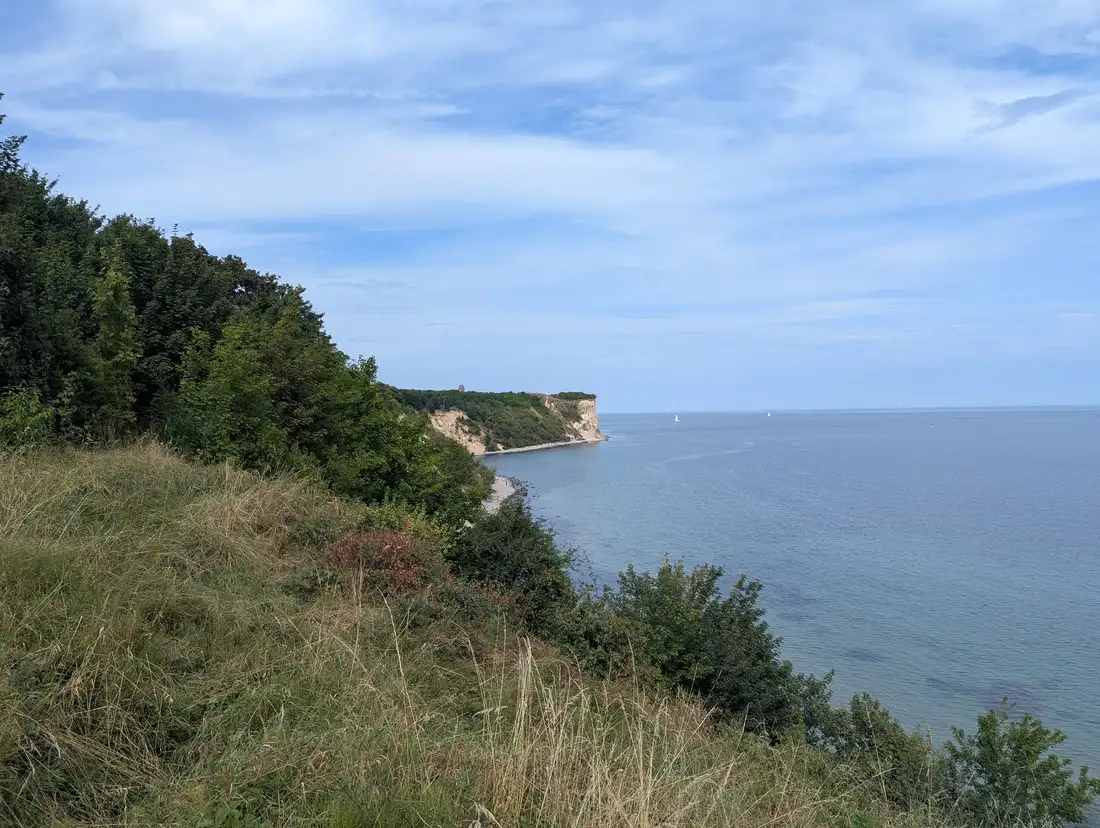


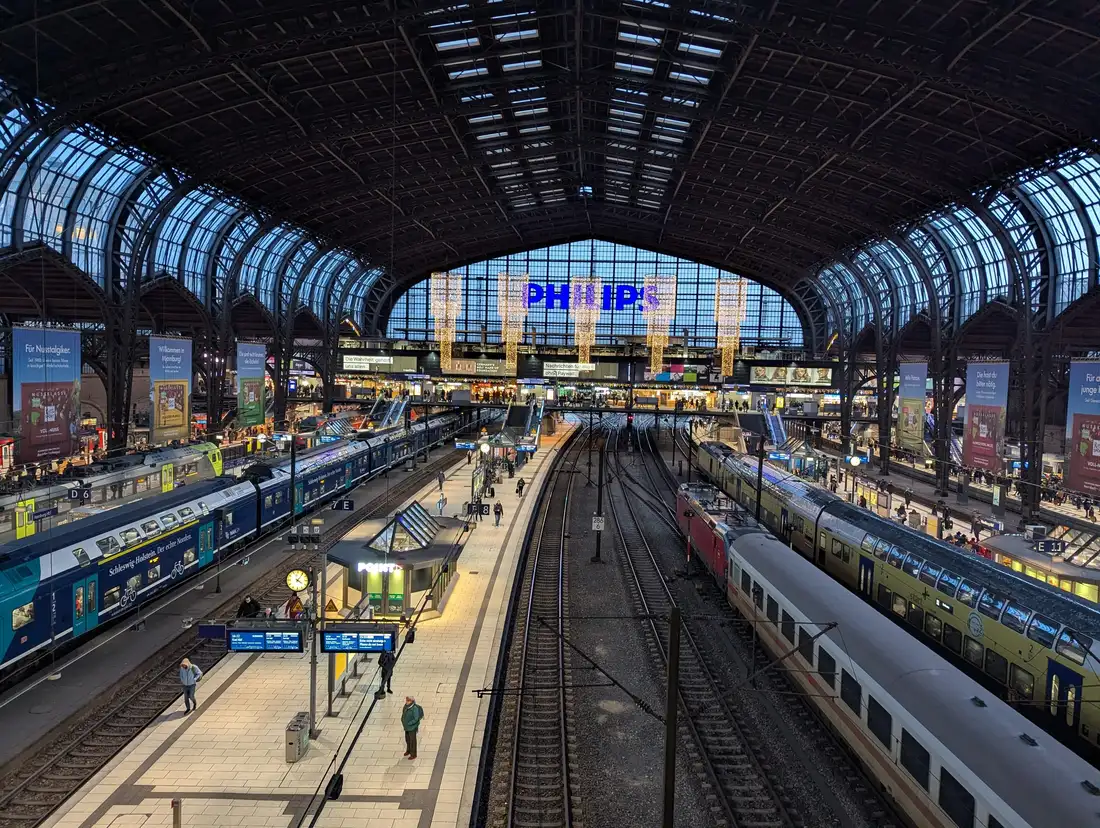
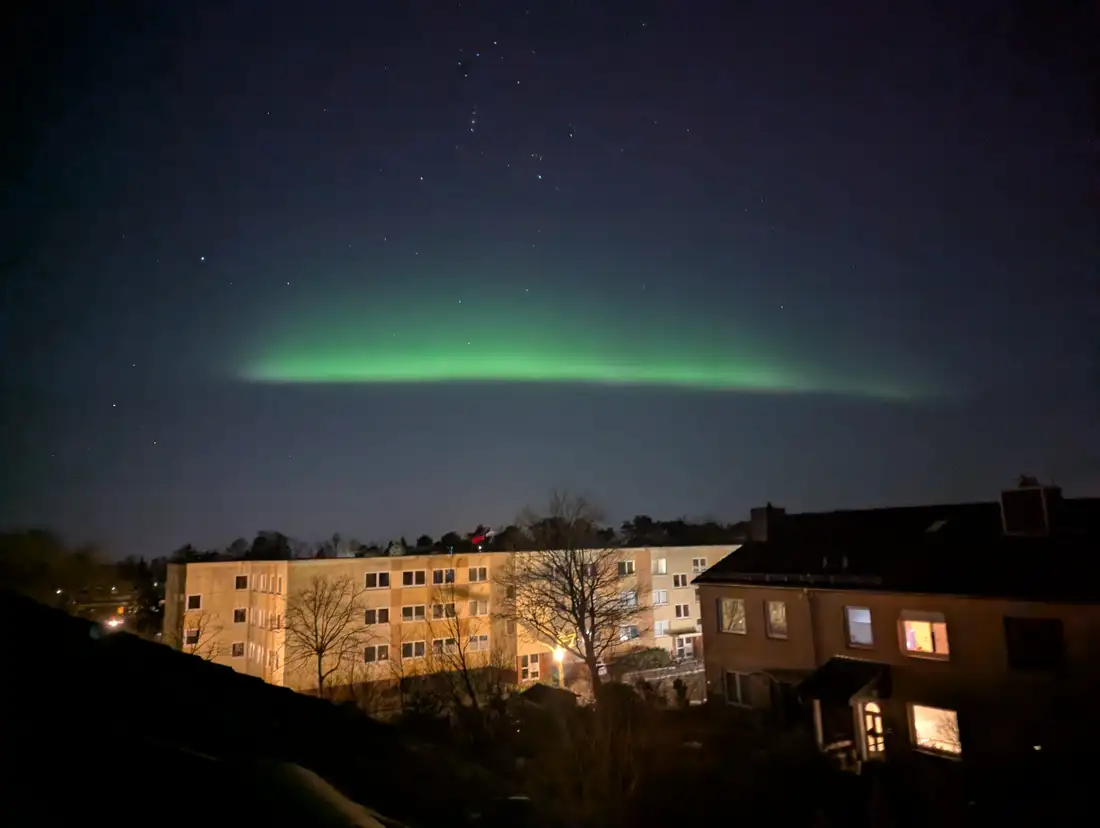

The alt prop is a map of file name to alt text. You only fill in the ones that matter. For the rest, the component builds an alt string from the file name or from an embedded IPTC caption if the photo has one. More on that below.
EditorialGallery
EditorialGallery uses the same justified layout, so the grid looks identical. The difference is what happens when you click one. Instead of a plain lightbox you get a two-pane reader: the photo on the left, a panel on the right with the title, the caption, and the EXIF facts the file already carries. Capture date, camera, reverse-geocoded place, source pixel size. Behind both panes sits a blurred wash of the photo you are looking at.
This is the one for photos that need words next to them. A plain lightbox gives you the picture and nothing else, which is right for a holiday set and useless when the point of the photo is what it shows.
Navigation is a filmstrip along the bottom, plus arrow keys, Home and End, and swipe on touch. The panel collapses if you want the photo at full width, and below 900px it becomes a bottom sheet instead of a column. Focus is trapped inside the viewer while it is open and returns to the thumbnail you came from when you close it.
titles sets the panel heading per file, same shape as alt. The viewer’s own copy, the field labels and the close button, goes through labels, which takes either a string or a dictionary keyed by locale. Retheme the whole thing with the --eglb-* custom properties.
ImageGallery
Same photos, uniform grid. Every cell is identical, so each image is cropped with object-fit: cover to fill it. Use this when your photos are roughly the same shape, or when the gallery is really just navigation and you want it tidy.
It also takes an explicit images array if you would rather list imported images, /public paths or remote URLs by hand, with per-image alt and caption. That is the mode the older posts on this blog use.
SlideshowGallery
One photo at a time, on a track that slides. SlideshowGallery is the odd one out here: the other five hand you the whole set and let you pick. This one sets the order and shows you a single frame.
The entire track moves with one translate3d(). It never animates widths or margins, which is the usual reason a homemade carousel stutters on a phone. Dragging tracks your finger 1:1 and settles on the same expo-out curve the arrow keys use.
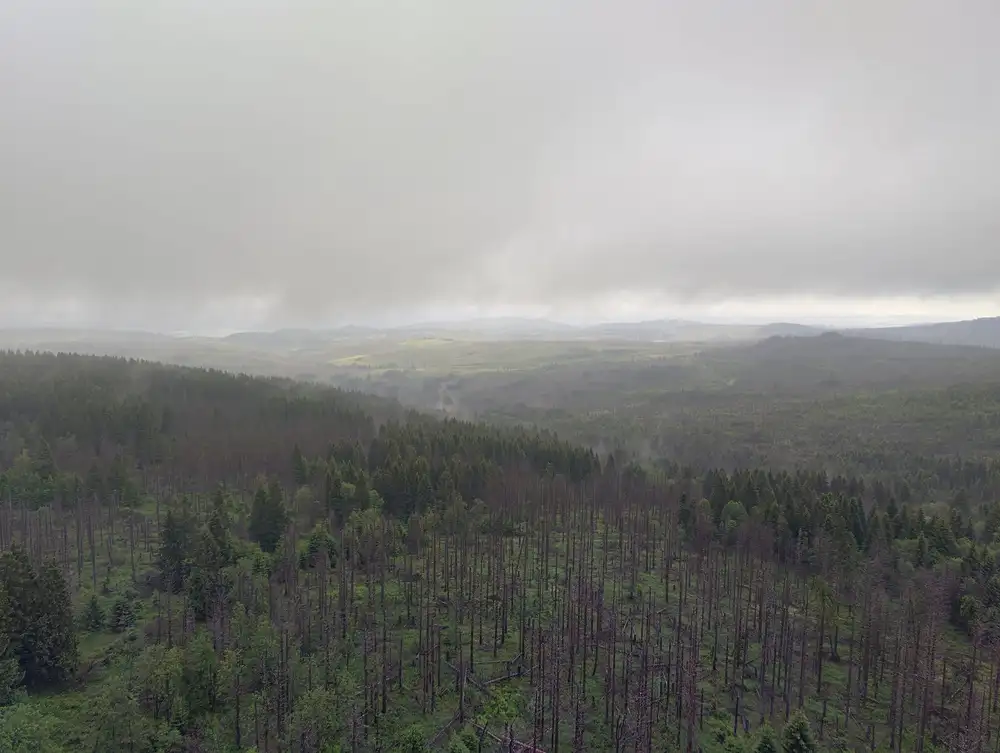
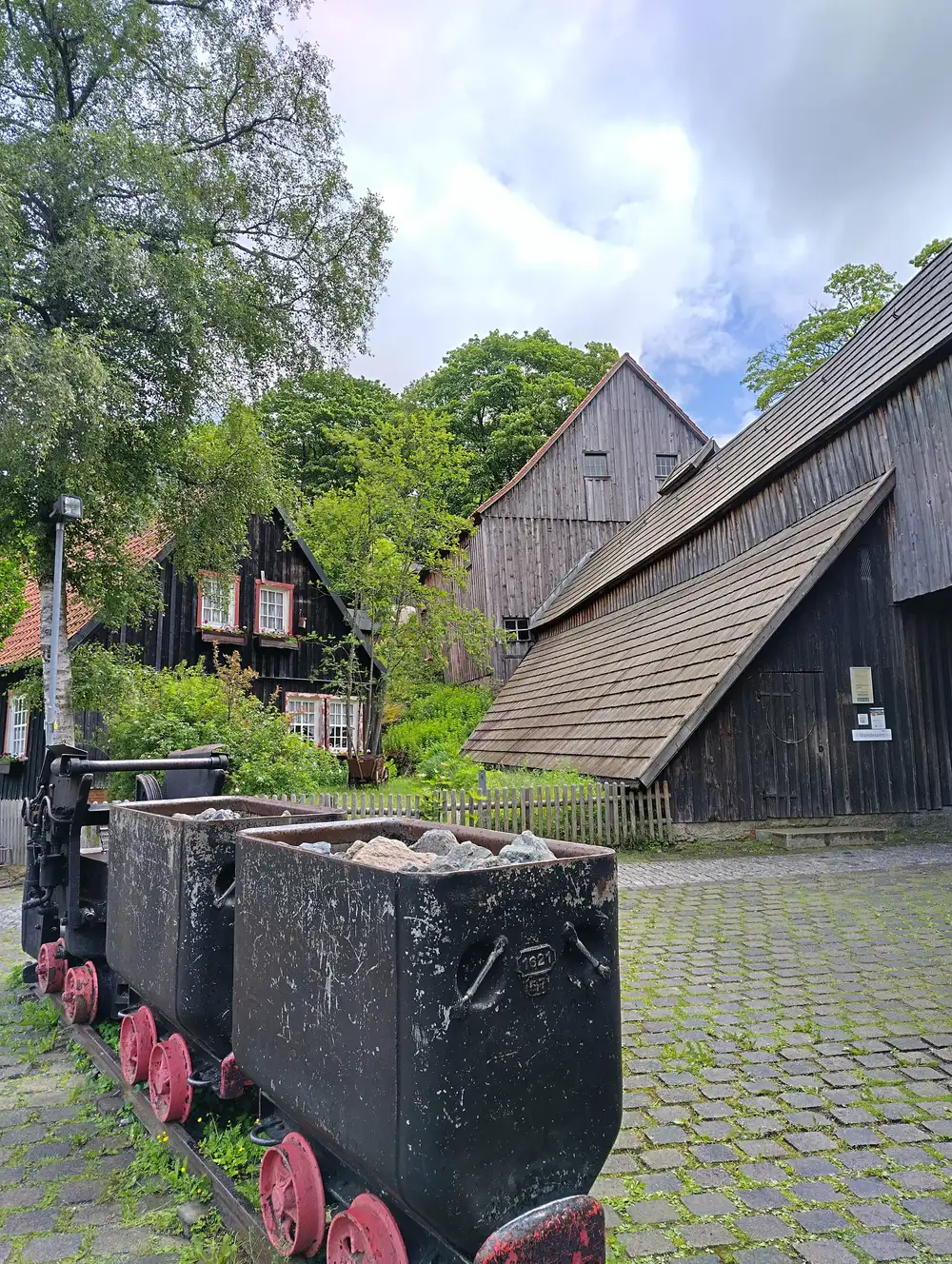
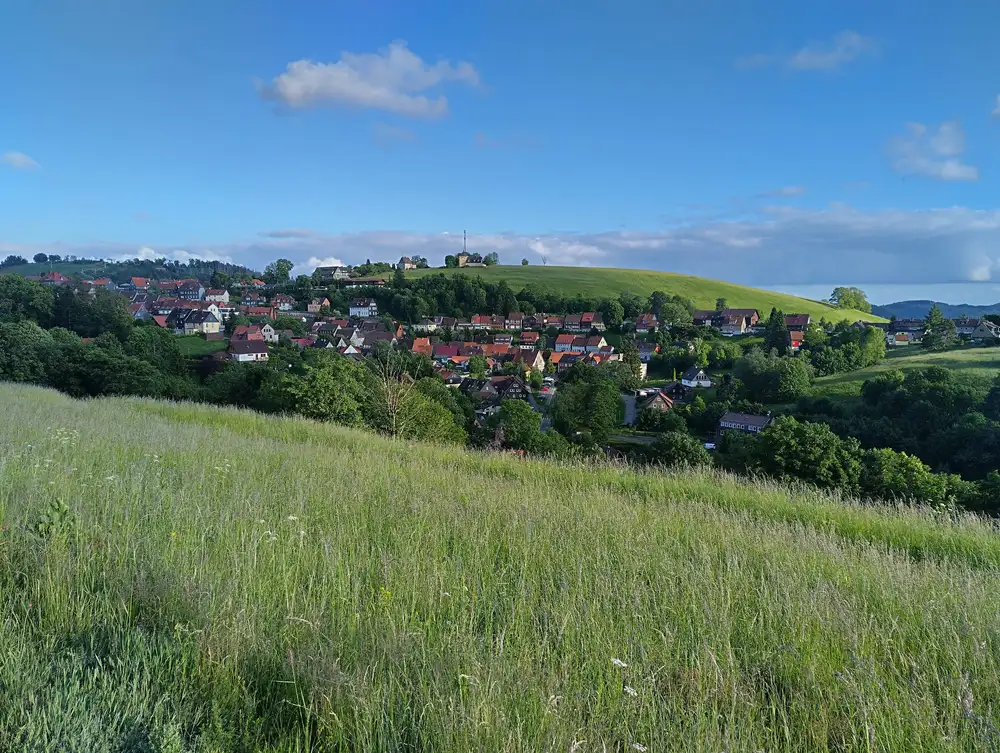
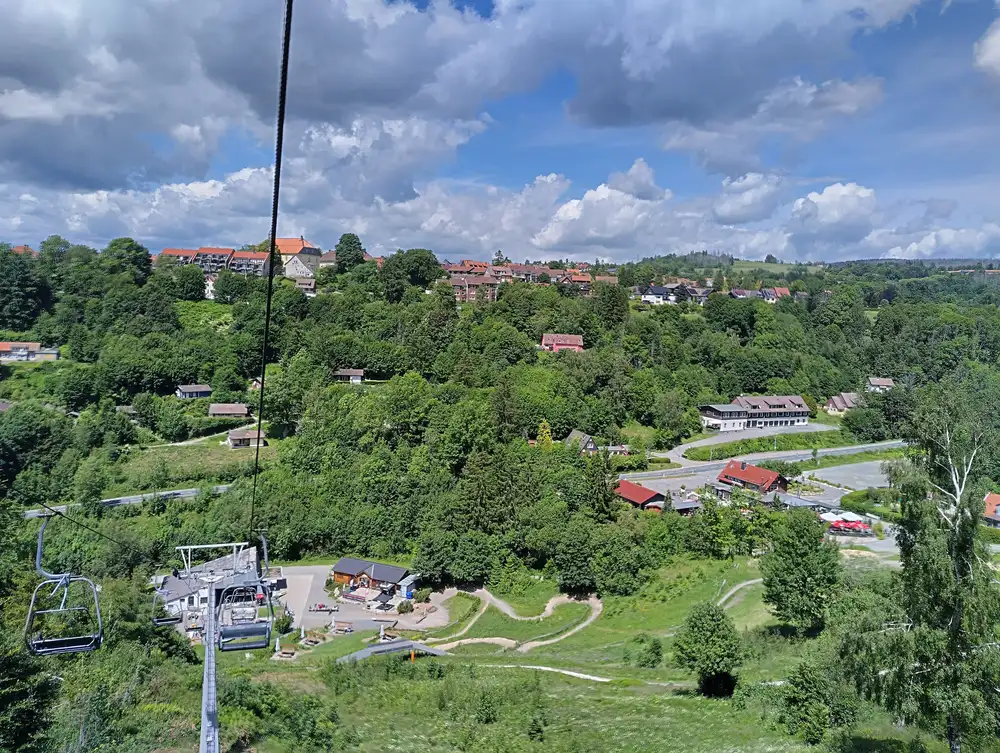
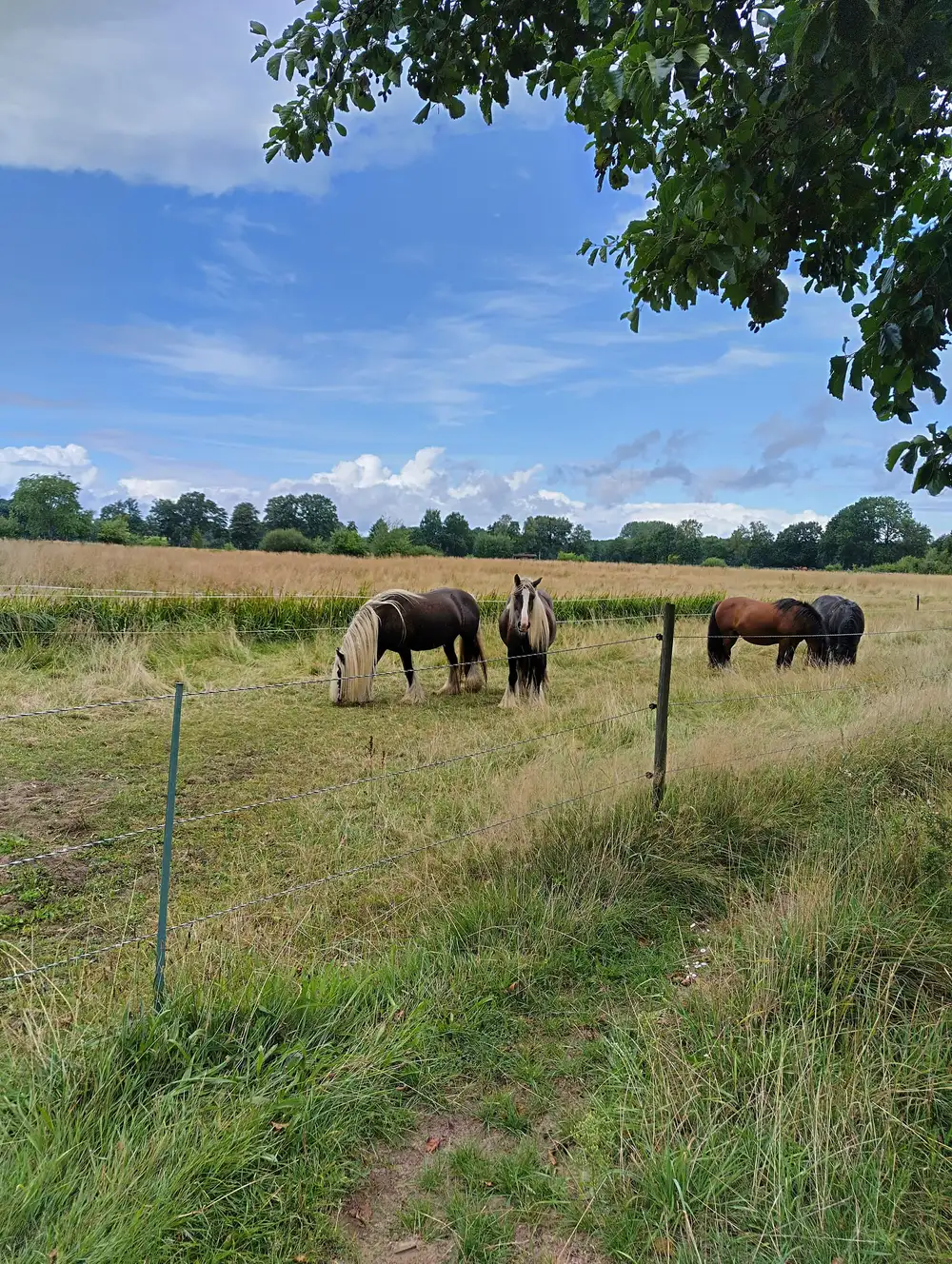


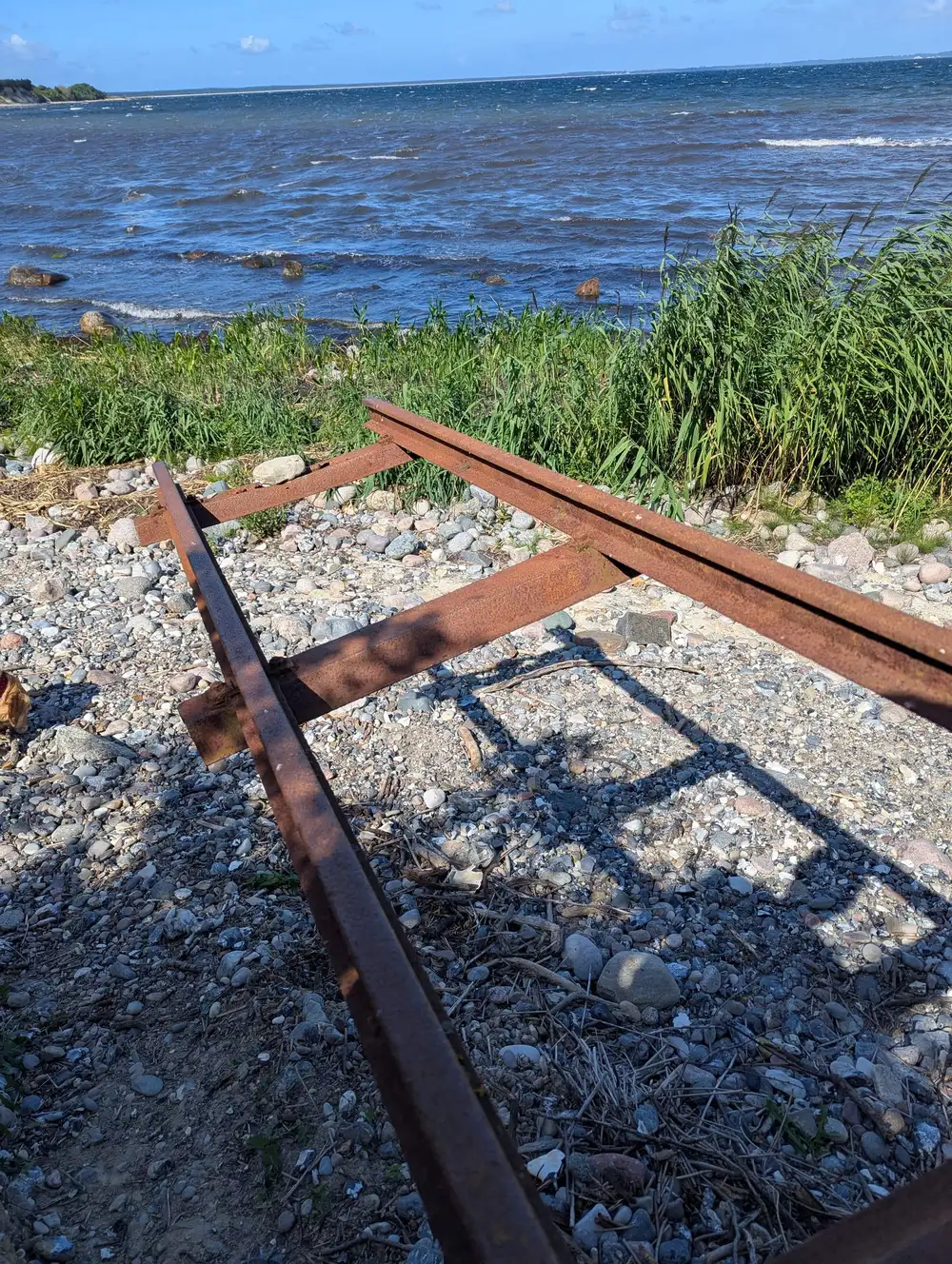

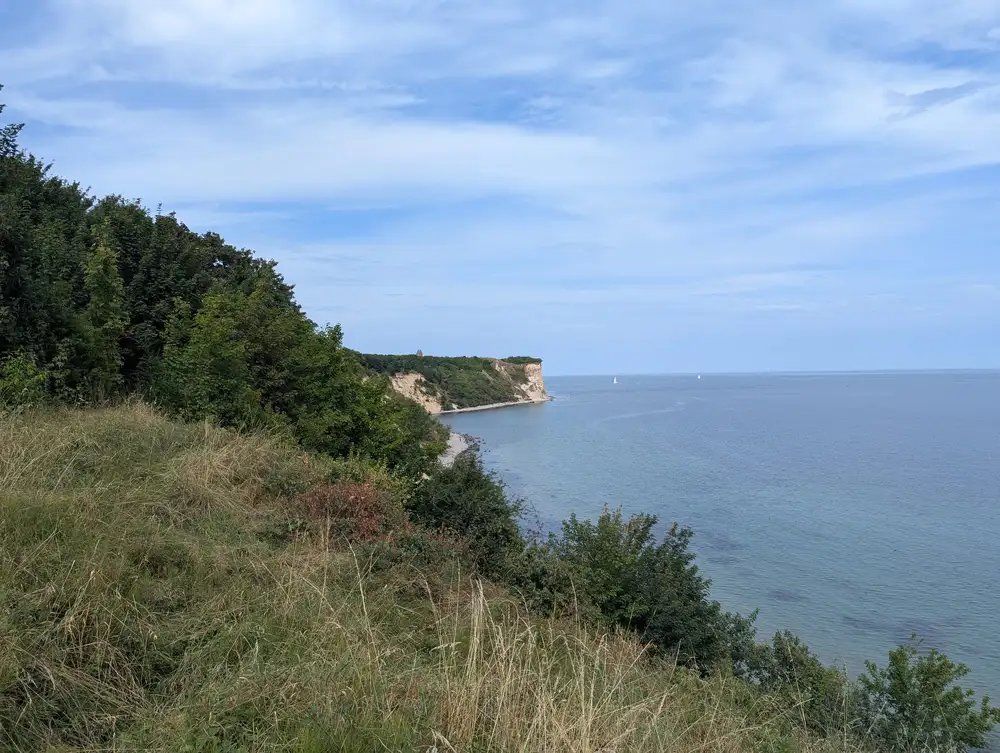


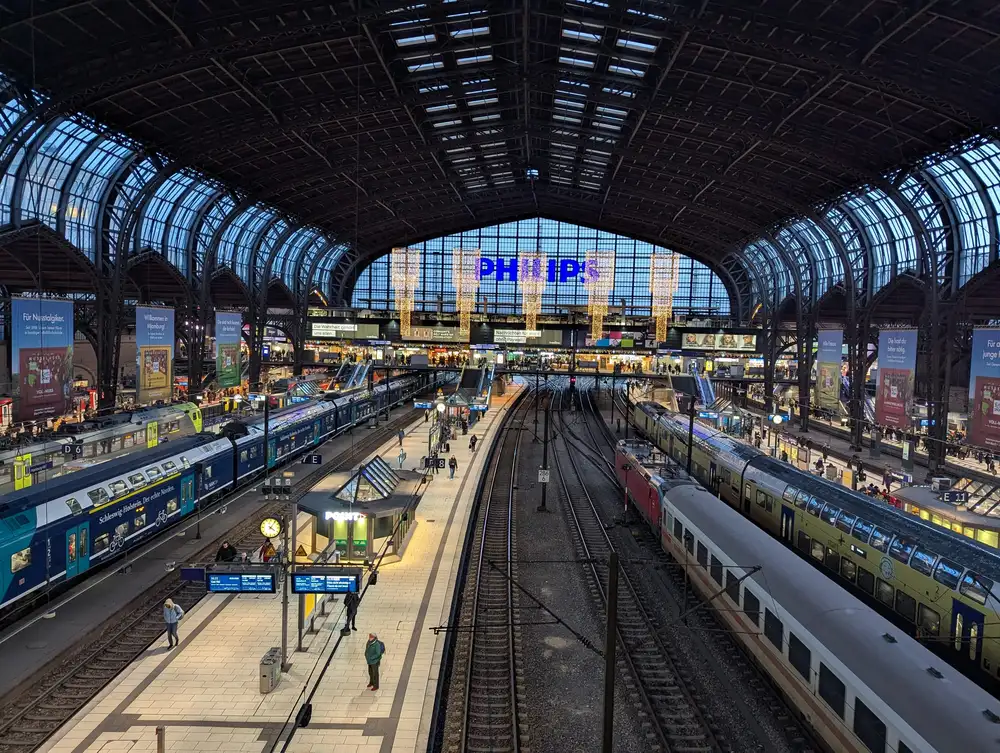
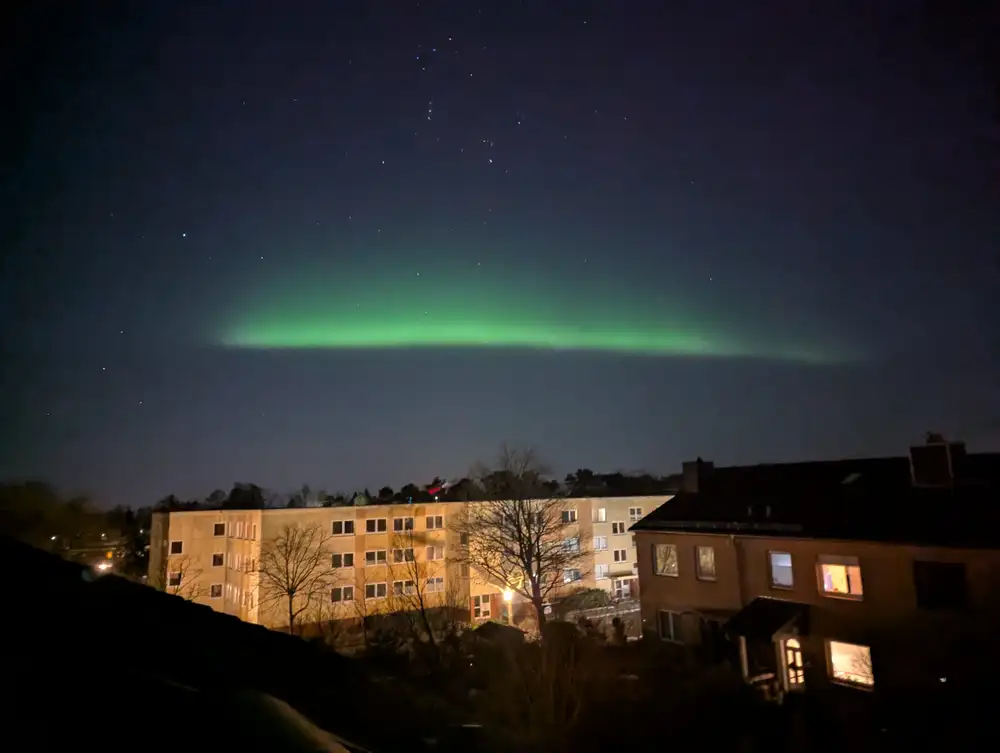

The caption is a glass card inset from the stage. It rises and fades in when you hover or focus the current slide, and on touch it simply stays open, because there is no hover to wait for. captionMode="always" pins it, "none" drops it.
A set that mixes portrait and landscape is the classic carousel problem. fit="contain" shows the whole frame and fills the letterbox with a blurred copy of the same photo, so a portrait shot does not sit between two grey bars.
Autoplay is off by default. Switch it on with autoplay, set interval, and the component renders a pause control next to the dots. Under prefers-reduced-motion it never starts, offscreen slides are marked inert so they stay out of the tab order, and each slide change is announced through a polite live region.
ImageTimeline
ImageTimeline is where the EXIF reading pays off. It reads DateTimeOriginal from each photo, groups the photos by calendar day, and lays the days out in order. If a day has GPS data it reverse-geocodes a location label for that group, once, at build time. Nothing hits the network in the browser.
Default orientation is a horizontal rail you scroll sideways:
Set orientation="vertical" and the same data stacks down the page on a left-hand spine:
The Rügen days cluster together in August 2025. The Harz days sit in June 2026. You can see the shape of both trips without a caption telling you.
MapGallery
MapGallery reads the GPS coordinates, builds one circular photo marker per location, and puts them on a Leaflet map. Photos without GPS are skipped. If none of the photos have GPS, the component renders nothing.
MapGallery has a consent gate. Map tiles come from a third-party CDN, and loading them sends the visitor’s IP address to that provider. So MapGallery renders an overlay first and loads nothing from the network until the visitor clicks the button. The choice is remembered in localStorage.
 Clausthal-Zellerfeld, Deutschland · 13 Jun 2026
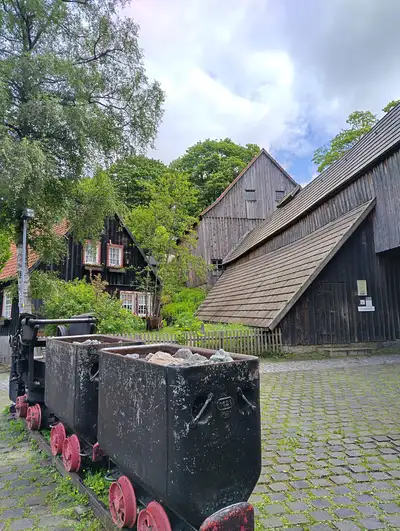 Braunlage, Deutschland · 14 Jun 2026
 Braunlage, Deutschland · 15 Jun 2026
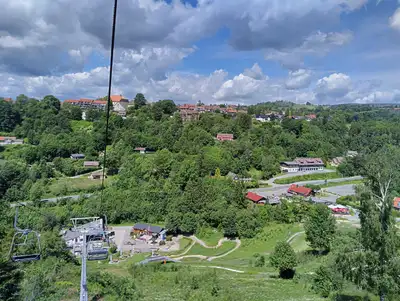 Braunlage, Deutschland · 18 Jun 2026
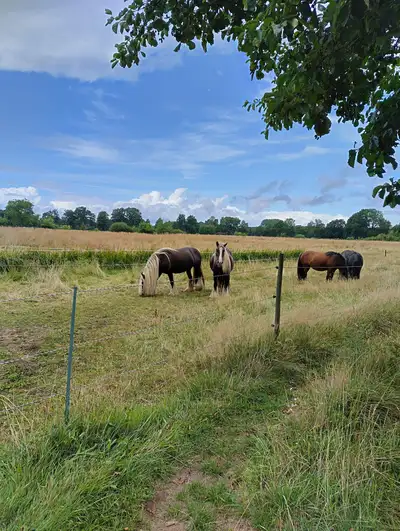 Hanstedt, Deutschland · 22 Aug 2026
 Binz, Deutschland · 8 Aug 2025
 Binz, Deutschland · 10 Aug 2025
 Binz, Deutschland · 10 Aug 2025
 Binz, Deutschland · 10 Aug 2025
 Putgarten, Deutschland · 12 Aug 2025
 Hanstedt, Deutschland · 17 Aug 2025
 Hamburg, Deutschland · 13 Sept 2025
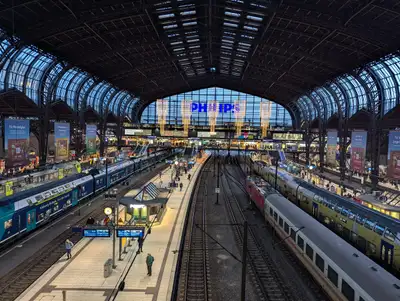 Hamburg, Deutschland · 25 Nov 2025
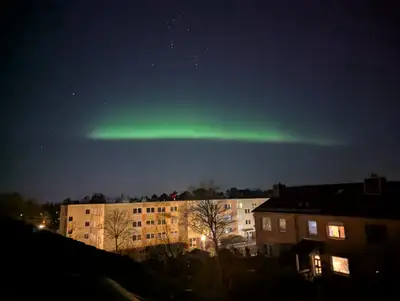 Buchholz in der Nordheide, Deutschland · 19 Jan 2026
 Hamburg, Deutschland · 1 Feb 2026
Underneath the map, in the HTML, there is a plain list of linked thumbnails with real alt text. Search engines and no-JS visitors get that list. The client script swaps in the interactive map once you accept the gate.
You pick the look with a basemap preset: osm (keyless), carto-dark, carto-light, carto-voyager, stadia-dark or esri-satellite. The CARTO and Stadia presets need a free API key, which you pass as map.tileApiKey. On this blog the key lives in a Gitea secret and the config falls back to plain OpenStreetMap when it is not set.
What you get for free
The reason I bothered to package this properly, rather than keep copy-pasting, is the boring stuff. Every component renders crawlable, accessible markup on the server. The JavaScript only enhances it.
- Semantic HTML. Galleries are a
<ul>of<figure>elements. Each thumbnail is a real<a href>to the full-size image, so crawlers can follow it. The timeline is a<section>with an<ol>where each day heading is a<time datetime="...">. - Alt text that is not a file name. Resolution order: an explicit value you pass, then an embedded IPTC or XMP caption, then a humanised file name (
IMG_4821.JPGis recognised as camera noise and ignored), then"<album> photo N". - Lazy loading without layout shift. Intrinsic
widthandheighton every<img>, plusloading="lazy"anddecoding="async". The first image is eager and high priority for LCP. - Responsive images.
ImageGallery,JustifiedGallery,EditorialGalleryandSlideshowGalleryemit asrcsetacross a set of widths, never upscaling past the source, with a matchingsizes. - Structured data. Each gallery emits one
<script type="application/ld+json">with anImageGallerywhoseassociatedMediais a list ofImageObjectentries. Relative URLs become absolute whensiteis set inastro.config.
I care about that last group because I also run astro-seo-enforcer on this blog, which fails the build if a page drops its <h1> or ships a broken <title>. Adding six galleries to a post and having the SEO check stay green on the first try was a good feeling.
astro-gallery vs rolling your own
| astro-gallery | Hand-rolled component | A JS lightbox library | |
|---|---|---|---|
| Image optimisation | astro:assets, built in | You wire up getImage yourself | Usually none, you pass URLs |
| EXIF date and GPS | Built in, build time | You add exifr and the plumbing | Out of scope |
| Consent gate for map tiles | Built in | You build it | Out of scope |
| Semantic HTML and JSON-LD | Built in | Whatever you remember to add | Depends on the library |
| Client JS | About 2 kB for the lightbox, the slideshow and editorial viewers only where they are used, Leaflet only on map pages | Your call | The whole library on every page |
| Config surface | One integration, sensible defaults | Full control, full maintenance | Its own API |
Rolling your own is fine. I did it for a year. What hurt was the fifth copy, slightly different from the other four, with a bug I had already fixed somewhere else.
FAQ
Does it need a client framework like React?
No. The components are .astro files. The only client JavaScript is a small dependency-free lightbox, the slideshow and editorial viewers on pages that use them, plus Leaflet on pages that use MapGallery.
Where do the images live?
Anywhere under src/. The default base folder is src/assets/images/, so folderPath="demo" reads from src/assets/images/demo/. ImageGallery also accepts imported images and remote URLs directly.
Does the reverse geocoding call an API on every build? Only for coordinates it has not seen before. Results are cached to a JSON file that you commit. After the first run, builds and CI never touch the network for geocoding.
Can I theme it?
Yes. Everything is namespaced under .asg-* and driven by CSS custom properties. Override the tokens in your own CSS. Light and dark are picked up from prefers-color-scheme.
Which Astro versions work? Astro 4 and up. The blog you are reading runs Astro 7.
Links
- npm:
astro-gallery - Source and full docs: github.com/SlashGordon/astro-gallery
- The companion build check: astro-seo-enforcer